

Microcontroller for the model railway
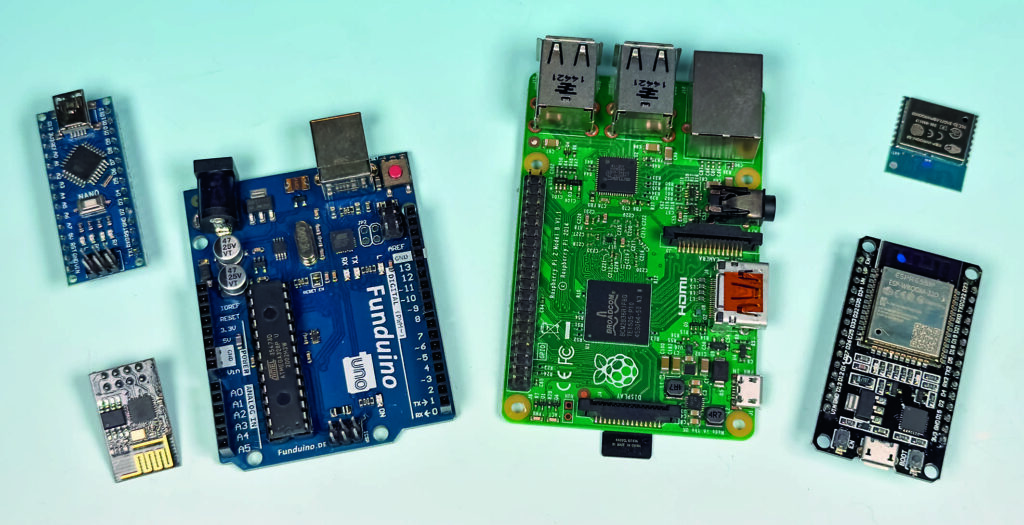
For our readers of Digitalmagazin 2026, we provide the programme codes for the article here. These can be copied and pasted directly into the Arduino IDE development environment and compiled from there.
Here is the code for the first example from the article:
#include
#include
#include

#define SCREEN_WIDTH 128
#define SCREEN_HEIGHT 64
Adafruit_SSD1306 display(SCREEN_WIDTH, SCREEN_HEIGHT, &Wire, -1);

const char* targets[] = {
  "Hersbruck r. d. Peg.",
  "Wuerzburg\above Neustadt a.d.Aisch\and Kitzingen",
  "Neumarkt Opf.",
  "Bamberg Upper Fr."
};
const int anzahlZiele = 4; // enter the number of entries in the „ziele“ array here
int currentDestination = 0;
unsigned long letzteUmschaltung = 0;
const unsigned long interval = 5000; // 5 seconds

void setup() {
  if(!display.begin(SSD1306_SWITCHCAPVCC, 0x3C)) {
    for(;;); // Stop if display not found
  }
  display.clearDisplay();
  display.setTextSize(1);
  display.setTextColor(SSD1306_WHITE);
}

void loop() {
  unsigned long now = millis();
  if (now - lastSwitch >= interval) {
    lastToggle = now;
    currentTarget = (currentTarget + 1) % numberTargets; // nextTarget
    display.clearDisplay();
    display.setCursor(0,0);
    display.println(targets[currentTarget]);
    display.display();
  }
}
Below is the second code example, which is exchanged with the section starting with „void loop“:
void loop() {
  unsigned long now = millis();
  if (now - lastSwitch >= interval) {
    lastToggle = now;
    currentTarget = (currentTarget + 1) % numberTargets; // nextTarget
    display.clearDisplay();
    display.setCursor(0,20);
    display.println(targets[currentTarget]);
          // --- Additional text for target 1 ---
    if (currentTarget == 0) {
      display.setCursor(0,0);
      display.println("5 min. later");
      }
    else if (currentTarget == 3) {
      display.setCursor(0,0);
      display.println("Today track 3 ")